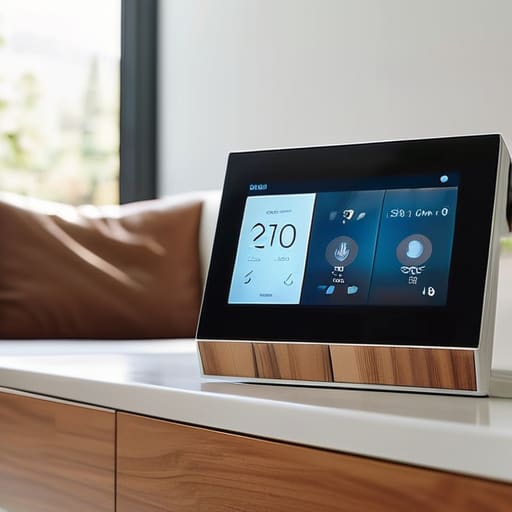
A Beginner’s Guide to Picking the Perfect Tech for Your Home
I’ll be honest: I am so tired of the “smart home” influencers telling you that you need a voice-activated toaster and a fridge that tweets just to live a “seamless” life. Most of that stuff is just expensive clutter that adds more friction to your day instead of solving it. When people ask me how to choose tech for your home, I usually see them falling into the trap of buying gadgets because they look sleek on a Pinterest board, only to realize three weeks later that they’re just another thing to charge or another app to manage.
I’m not here to pitch you on the latest high-end ecosystem that requires a monthly subscription just to function. Instead, I want to show you how to build a setup that actually serves your real, messy life. We’re going to focus on utility over hype, looking for the small, reliable tools that actually save you time or mental energy. My goal is to help you figure out how to pick devices that actually work when you’re busy, stressed, and just want your house to be a place where you can finally breathe.
Prioritizing Essential Smart Home Gadgets That Actually Work
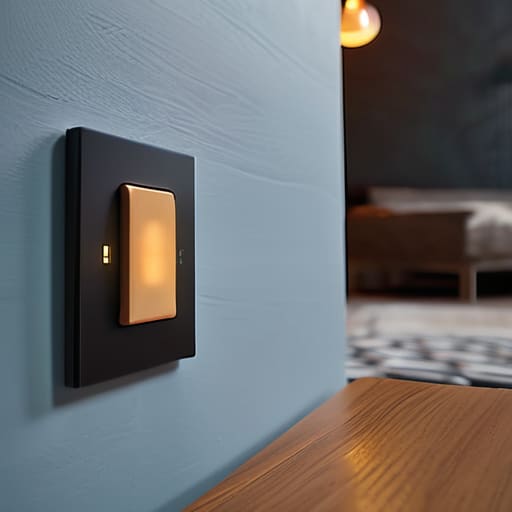
Look, I get the temptation. You see a sleek, voice-activated espresso machine or a smart mirror on Instagram and suddenly your entire living room feels “behind.” But before you blow your savings, you need to do some serious home automation budget planning. Start with the things that solve a recurring headache. If you’re constantly worrying about whether you left the iron on, get a smart plug. If you’re tired of fumbling for light switches in the dark when you get home, get smart bulbs. Focus on the friction points in your day rather than the shiny objects that just look good on a shelf.
The real trap is buying a bunch of random gadgets that refuse to talk to each other. I’ve spent way too many hours troubleshooting why my smart lock won’t trigger my hallway lights, and honestly, it’s exhausting. You have to prioritize smart home ecosystem compatibility from day one. Whether you’re a “Hey Google” person or an “Alexa” person, stick to one lane. It’s much easier to manage a single, cohesive system than it is to play tech support for a dozen different apps that all have different interfaces and, god forbid, no dark mode.
Evaluating Home Tech Connectivity Without the Headache
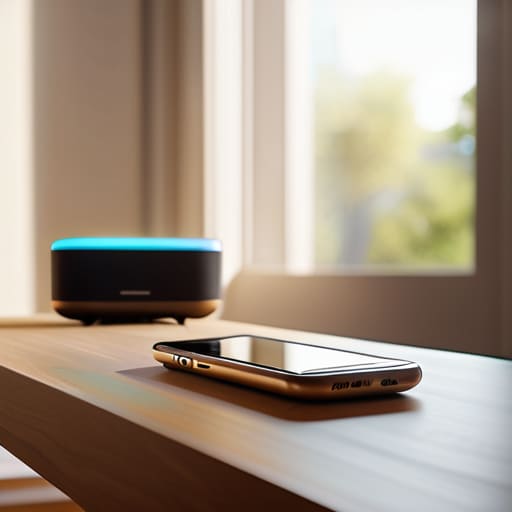
Here is where most people hit a wall: they buy a smart bulb from one brand, a plug from another, and suddenly they have five different apps fighting for space on their phone. It’s a recipe for digital clutter. Before you click “buy,” you need to look at smart home ecosystem compatibility. Basically, decide if you’re a “Hey Siri” household, an “Alexa” household, or a “Google” household. If your gadgets don’t play nice together, you aren’t building a smart home; you’re just collecting expensive paperweights that require a manual every time you want to dim the lights.
Once you’ve picked your camp, don’t forget the invisible backbone of it all—your Wi-Fi. You can have all the essential smart home gadgets in the world, but if your router is a relic from 2015, everything is going to lag. I always tell my clients to check their signal strength in the corners of the rooms where they actually want the tech to work. Also, a quick reality check on home network security for IoT: if a device requires a ridiculous amount of personal data just to turn on a toaster, it’s probably not worth the headache. Keep it simple, keep it secure, and keep your sanity intact.
Five ways to avoid the "gadget graveyard" in your living room
- Stop buying for the “future you” who has a perfectly manicured life. If you know you’re someone who forgets to water plants or constantly loses your keys, buy a smart sensor or a tracker. Don’t buy a high-tech hydroponic garden just because you saw it on a sleek Instagram reel; if it doesn’t solve a problem you actually have today, it’s just going to become expensive dust-collector.
- Check the “app tax” before you hit purchase. Every new device usually comes with its own dedicated app, and honestly, my phone’s home screen doesn’t need another icon. Before you commit, check if the device works with the ecosystems you already use (like HomeKit, Alexa, or Google Home) so you aren’t constantly jumping between five different interfaces just to dim the lights.
- Prioritize “set it and forget it” over “constant tinkering.” The best tech is the kind that works in the background without requiring a weekly firmware update or a manual override. If a device requires you to spend twenty minutes every Sunday “optimizing” it, it’s not a tool—it’s a second job.
- Think about your physical space, not just the digital specs. I’ve learned the hard way that a sleek, minimalist smart speaker looks great in a photo but is a nightmare if it’s sitting right next to a noisy radiator or in a corner with zero Wi-Fi signal. Test your connection in the exact spot you plan to put the device before you bring it home.
- Look for “repairable” over “replaceable.” We’ve been conditioned to think everything should be disposable, but that’s a terrible way to manage a budget and a home. When choosing tech, see if the brand has a reputation for longevity and decent customer support. I’d much rather invest a little more in something that lasts five years than buy a cheap version that ends up in a landfill by next Christmas.
The bottom line: How to avoid the tech clutter trap
Stop chasing the “all-in” smart home dream; start with one or two devices that solve a specific, recurring annoyance in your daily routine.
Before you hit “buy,” check if the gadget plays nice with what you already own so you don’t end up with a graveyard of incompatible apps.
Prioritize reliability over flashy features—a smart plug that actually works is worth way more than a high-tech gadget that requires a PhD to troubleshoot.
## The real test of a gadget
Stop asking if a device is “smart” and start asking if it’s actually going to make your Tuesday morning less chaotic; if it adds more steps to your routine instead of removing them, it’s just expensive clutter.
Nadia Halloway
Cut Through the Noise
At the end of the day, choosing tech for your home shouldn’t feel like a second job. We’ve talked about starting with the essentials that actually solve a problem, making sure your devices can actually talk to each other without a meltdown, and avoiding the trap of buying things just because they have a shiny new feature. Remember, a smart home isn’t about having a gadget for every square inch of your living room; it’s about building a system that serves you, rather than you serving the system. If a device adds more complexity to your Tuesday morning than it takes away, it’s probably not worth the counter space.
I know how tempting it is to scroll through endless reviews and try to build this perfect, automated sanctuary, but please don’t let the pursuit of the “ultimate setup” paralyze you. Real life is messy, and your tech needs to be able to handle that mess. Start small, buy things that fit your actual budget, and give yourself permission to pivot when something doesn’t work. You don’t need a futuristic command center to live a streamlined life; you just need a few reliable tools that make your daily chaos a little more manageable. You’ve got this.
Frequently Asked Questions
How do I know if my current Wi-Fi can actually handle adding more smart devices without crashing?
Honestly, the easiest way to tell is to look for the “glitch” factor. If your phone starts lagging while you’re streaming, or your smart bulb takes ten seconds to actually turn on, your router is likely gasping for air. Before you buy anything new, run a quick speed test on your phone in the room where you want the device. If the upload speed is tanking, don’t add more tech—upgrade your router instead.
Is it worth buying into one specific ecosystem, or should I just buy whatever is on sale?
Look, I get the temptation to snag that random smart plug just because it’s 40% off, but please—don’t do it. I’ve been there, and it’s a recipe for a digital headache. If your lights use one app, your thermostat uses another, and your camera needs a third, you haven’t automated your life; you’ve just added more chores. Try to stick to one ecosystem. It’s better to have three things that actually talk to each other than ten things that won’t.
What’s the best way to keep my monthly subscriptions from turning into a massive, hidden bill?
Honestly, the “subscription creep” is real, and it’s a total budget killer. My rule? Stop looking at your bank statement once a month and start looking at your actual usage. If you haven’t opened that app or used that service in the last thirty days, kill it. I keep a simple, running list in a dark-mode note on my phone. If a service doesn’t earn its keep every single month, it’s gone.
How do I keep my tech from becoming just another pile of "digital clutter" that I never actually use?
The best way to avoid digital clutter is to stop buying for “potential” and start buying for “problems.” Before you hit checkout, ask yourself: What specific, annoying task is this solving today? If you can’t name the friction point it removes, it’s just an expensive paperweight waiting to happen. Stick to a “one-in, one-out” rule for gadgets, and if a device doesn’t earn its keep within a month, let it go. Keep it lean.
